
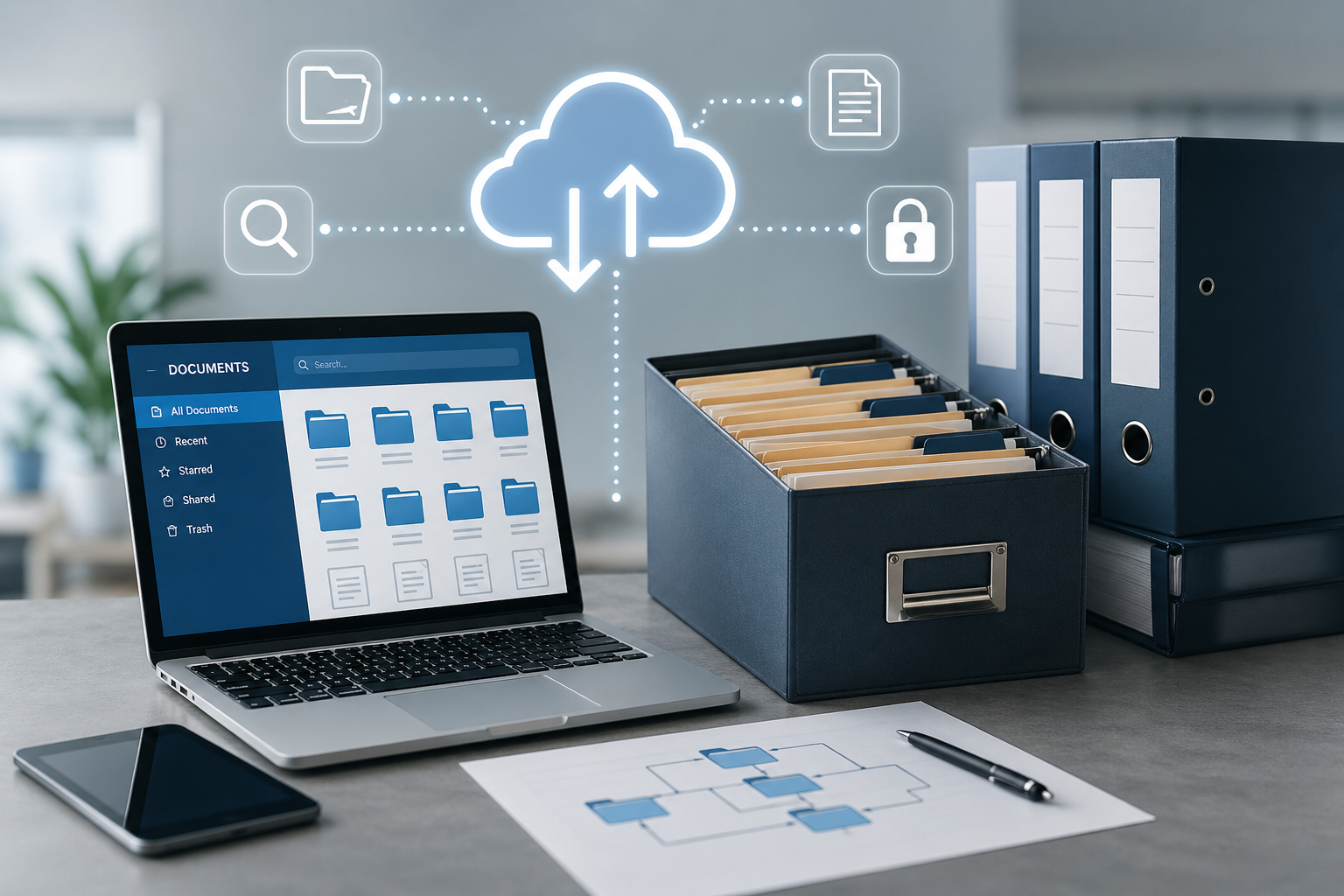
Companies today face an increasing challenge in organizing and managing the large amount of digital files that are produced daily, especially with the rapid reliance on electronic systems in various administrative processes, and it is no longer enough just to save files, but it has become necessary to follow professional electronic archiving methods that ensure ease of access, security, and continuity, and in this article we review the best approved methods for archiving electronic files inside companies with explaining practical application mechanisms.
What is electronic file archiving?
Electronic file archiving refers to the process of organizing and storing digital documents within an archiving program that allows managing and retrieving them efficiently, while maintaining their integrity and security in the long term, and it is not limited to storage only, but includes classification, indexing, and file lifecycle management.
How electronic file archiving works?
Electronic file archiving works through a series of organized steps that aim to transform documents from their traditional or random form into an integrated digital system that is easy to control and access quickly and accurately, through the following:
1. Converting files into electronic format
The process starts by digitizing documents whether they are paper or already in digital format, where documents are scanned or uploaded directly to the electronic archiving software, which ensures unifying file form inside one digital environment that can be managed and processed.
2. Classifying files within an organized structure
After that, files are placed inside organized sections and folders according to specific criteria such as document type or department or date or project, and this helps in building a clear system that reduces chaos and makes access to information easier and more effective.
3. Adding metadata (indexing)
Each file is linked with a set of descriptive data such as document title and creation date and responsible entity and keywords related to its content, and this facilitates advanced search process and makes access to the file happen in a very short time.
4. Storing files inside a secure archiving system
Files are stored inside an electronic archiving system or database or cloud platform, where they are organized through archiving software in a way that ensures they are not lost while providing a stable and secure environment for long-term storage.
5. Setting access permissions and users
Control is done over who can view or edit or delete files, where each role inside the institution is given specific permissions, which ensures protection of sensitive information and reduces unauthorized errors or manipulation.
6. Providing fast search and retrieval feature
The system allows users to search for files using name or keywords or any metadata related to them, which makes the process of accessing information much faster compared to traditional methods.
And with these steps the electronic file archiving process becomes an integrated smart system, helping institutions organize their data and improve work efficiency and reduce time and effort in file management.
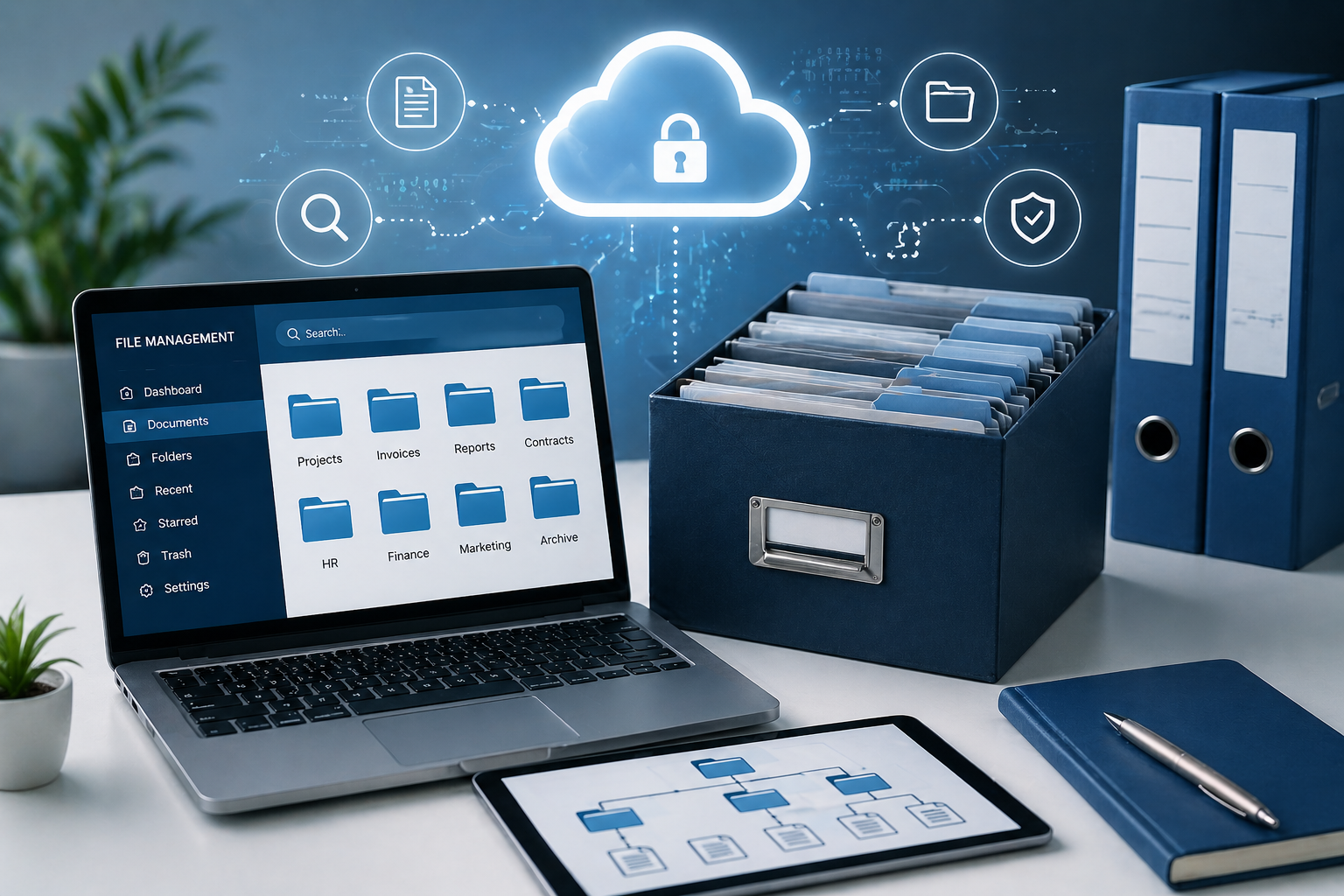
Best methods of electronic file archiving
These methods are among the most important approaches that help companies organize their digital files and improve work efficiency in a clear way:
1. Structured hierarchical classification
Electronic file archiving through structured classification helps in building a clear system for dividing documents inside organized folders based on departments or projects or years, and this organization does not only arrange files but creates an organized work environment where errors are reduced and access becomes faster and more accurate, and it also contributes to reducing reliance on personal effort in searching and turns the archive into a system understandable for any new employee without long explanation, and over time this method becomes the basis for building a coherent database that can be easily developed.
2. Smart file naming
Electronic file archiving is enhanced using smart naming by increasing content clarity and making it easier to identify files without opening them, where a unified pattern is adopted in naming files that includes basic information such as date and document type and relevant department, and this method greatly reduces time loss during searching and prevents file duplication or saving them with random names, and it also helps unify work method among employees and makes the archive more professional and organized in the long term.
3. Electronic indexing
Electronic file archiving is supported through electronic indexing by enabling fast and accurate access to information by linking each file with metadata such as date and entity and document type, and this allows searching inside the system in multiple ways without relying only on file name, and archiving software helps in reducing effort spent in finding documents and turns the archive into a smart system capable of meeting user needs quickly, and with continuous use indexing becomes a powerful tool for data analysis and understanding workflow inside the institution.
4. Using document management systems
Electronic file archiving develops when relying on modern document management systems in increasing control and organization level inside companies, where these systems provide an integrated environment for managing documents including tracking changes and setting user permissions and linking files together within one context, and this helps reduce human errors and improve work quality, and also allows management to monitor workflow more accurately and take decisions based on reliable information, in addition to supporting teamwork between different teams in a smoother way.
5. Cloud storage
Electronic file archiving allows through cloud storage great flexibility in accessing data from anywhere and at any time, and this has become necessary in modern work environments that depend on mobility and remote work, and this method which is adopted by the best electronic archiving software provides a high level of security by storing data on specialized servers, and helps reduce dependence on local devices that may be damaged or lost, and at the same time supports collaboration between employees directly through sharing files and working on them simultaneously.
6. Regular backup
Electronic file archiving protects data through regular backup against possible risks such as technical failures or accidental deletion, where backups are created regularly and stored in separate locations to ensure possibility of restoring them at any time, and this method gives companies security and stability and reduces impact of sudden crises on workflow, and helps maintain business continuity without interruption even in difficult conditions.
7. Access permissions control
Electronic file archiving organizes handling of documents inside the institution through defining access permissions, where control is made over who can view or edit or delete, and this contributes to protecting sensitive information from unauthorized access and enhances internal security level, and also allows the best archiving software for management to monitor all operations done on files which increases transparency and reduces errors or violations, and therefore work environment becomes more disciplined and reliable.
Conclusion:
Applying the best methods of electronic file archiving is no longer a secondary option, but it is an essential element in company success and organization of its work, as professional archiving does not only help in storing files, but contributes to improving efficiency, speeding up processes, and protecting data from risks, and with continuous technical development, companies that adopt advanced archiving systems remain the most capable of competing and continuing in the modern work environment.
Important Topics:
Incoming and outgoing electronic archiving (DocSuite)
Automation of automated processes
Reference:
1. << Electronic document & records management system to manage records like money>>, openaccessgovernment
2. << The importance of document storage in today’s
Add New Comment