
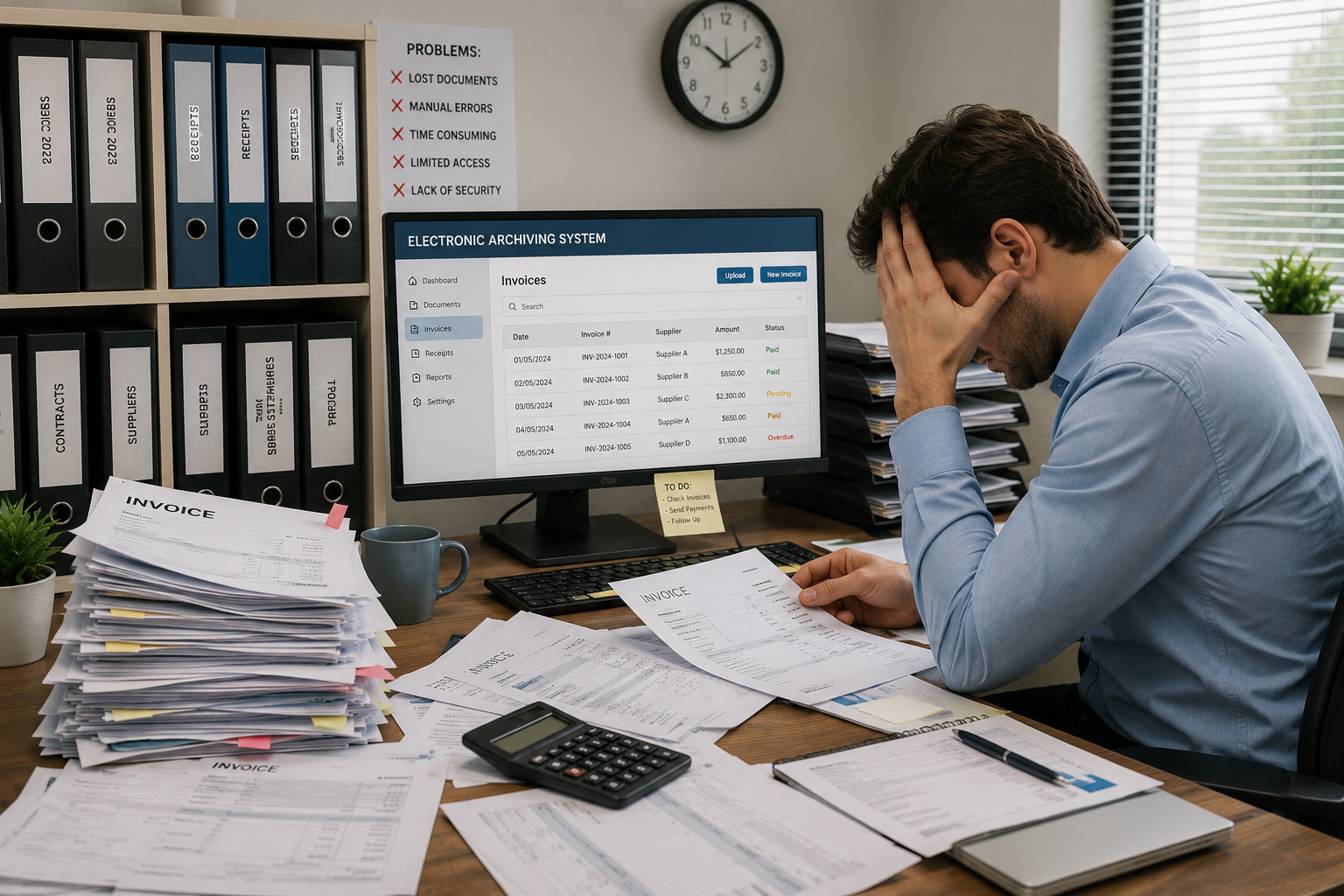
Financial management forms the vibrant lifeblood of any organization, where the flow of invoices and documents represents a daily challenge for the accounting sector. In light of accelerating business paces, traditional paper methods have become a primary cause of wasted time, document damage, and catastrophic financial errors. Hence, the role of electronic archiving software emerged as a radical solution to end this chaos. Organizing and managing invoices and documents through this software is a strategic necessity to protect company assets and organize its documentary cycle smartly and securely. Let us learn more details about the subject, keep reading.
What is the electronic archiving of invoices and financial documents?
What is meant by this process is converting all paper financial documents such as purchase invoices, sales invoices, receipt vouchers, payment vouchers, bank statements, and tax returns into digital copies using scanners or advanced imaging software, and then entering and classifying them within the electronic archiving software. The software does not merely store images; rather, it indexes them, reads their data, and links them through a smart archiving system that allows the accountant or business owner to access any financial document within a few seconds instead of searching through paper files that may take long days.
How is the archiving of invoices and financial documents done via electronic archiving software?
The archiving of invoices and financial documents via electronic archiving software is carried out through an organized and flexible workflow, such as the one relied upon by Fekrait Electronic Archiving Software to ensure accuracy and security, and proceeds according to the following steps:
- Capture and Digitization: Paper invoices are pulled via the scanner, or electronic invoices (PDF) arriving via email are imported directly into the software.
- Indexing and Smart Recognition: The accountant or the electronic archiving software automatically identifies the keywords of the invoice (such as: supplier name, invoice number, financial value, and date) for easy retrieval later.
- Secure Cloud Storage: The invoice is saved in its designated section (such as: the purchase invoices folder) with an automatic backup made to ensure no data loss under any circumstances.
- Sharing and Follow-up: The software allows passing the invoice electronically to the accounts manager or the business owner for approval and disbursement without the need to print it and move it manually between offices.
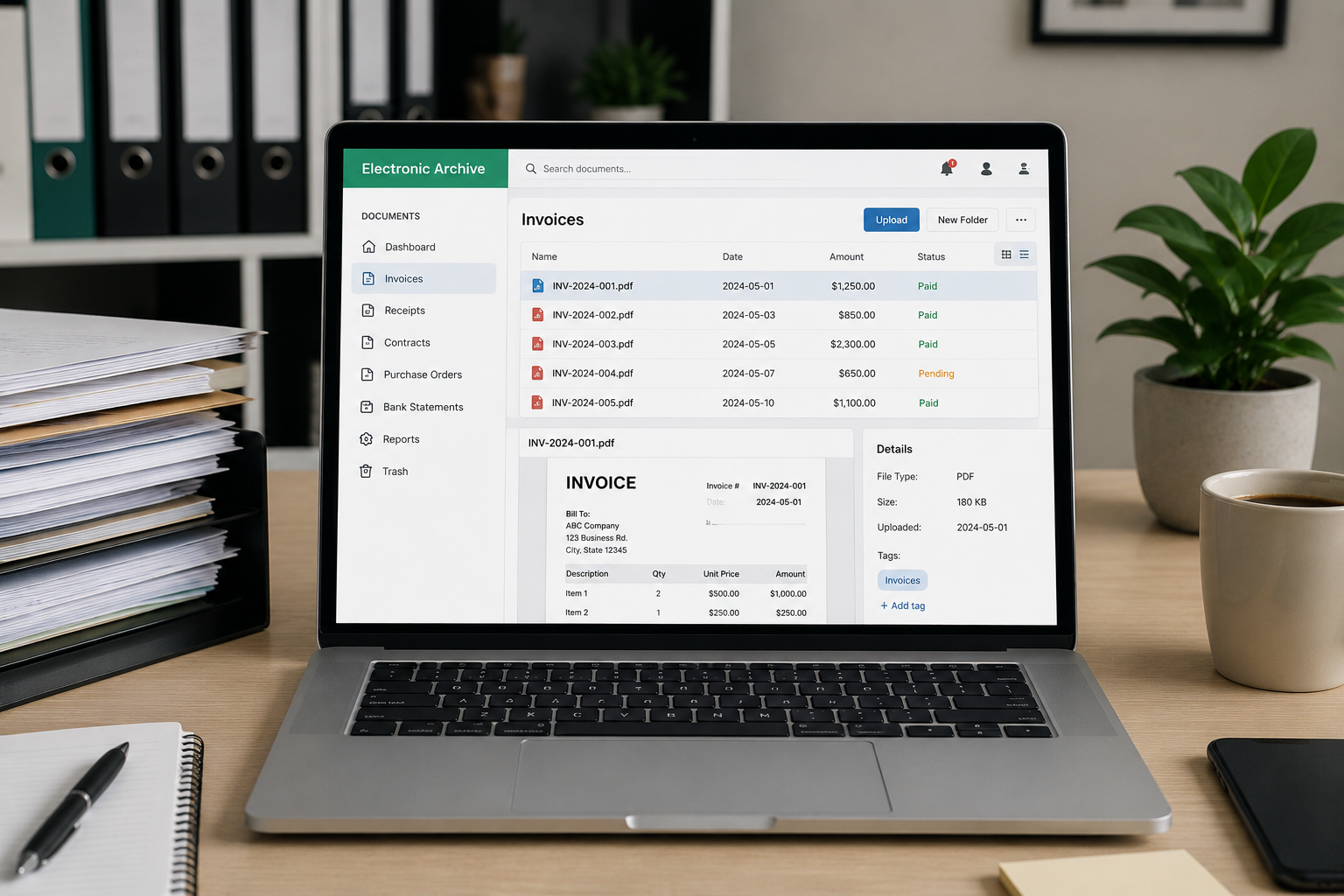
Competitive features provided by the archiving software to the accounting department
The electronic archiving software offers exceptional solutions that make financial work more professional and faster, and among the most prominent of these features are:
1. OCR and Smart Search Feature:
This advanced technology allows the recognition of numbers and texts within scanned invoices, as the modern electronic archiving system relies on artificial intelligence to read and index data automatically. This makes it easier for accountants to search for any item or financial value inside the documents as if they were open text files, which shortens long working hours spent reviewing old accounting ledgers.
2. Integrated Linking with Financial Systems:
The electronic archiving software integrates seamlessly with the accounting and ERP software used in the company, instantly linking the archived invoice to its specific accounting entry. When using the advanced electronic file archiving software, the financial director can click on any accounting transaction and view the corresponding original invoice directly, preventing duplication and providing extreme accuracy in your documentary cycle.
3. Multiple Save Formats and High Flexibility:
The electronic archiving software is not limited to saving ordinary images only; rather, it extends to support the archiving of all types of files, receipt vouchers, and payment vouchers in multiple formats such as PDF and Excel sheets. Professional electronic archiving software is characterized by its ability to compress the size of uploaded files while fully maintaining their quality and clarity, ensuring that the financial archive remains light and fast to browse, no matter how large the company's business grows.
4. Smart Alerts and Follow-up of Financial Transactions:
The electronic archiving software provides an advanced notification system that alerts accountants to invoice due dates or contract renewals. When the enterprise relies on electronic archiving and document management software in its daily cycle, it becomes easy to track the path of financial vouchers and know which employee reviewed or modified them, preventing the accumulation of delayed transactions and ensuring a regular financial workflow without any operational delay.
5. Automation of Workflows and Financial Approvals:
The electronic archiving software allows converting paper transactions into fully automated digital paths. The document management and electronic archiving software helps send purchase invoices immediately upon being uploaded to the system to the accounts manager and then to the financial director for automated and sequential payment approval, completely eliminating the need to print papers and move them manually between offices to obtain signatures.
6. Tracking the Movement of Letters and Financial Correspondences:
The electronic archiving software ensures the organization of all official correspondences related to accounts, such as payment requests and price quotations. By integrating the incoming and outgoing software feature within the system, the company can document a number and date for each financial letter leaving or received by it and link it to the relevant invoices, preventing the loss of sensitive correspondences and making administrative and financial documentation integrated into a single platform.
7. Statistical Reports and Financial Data Analysis:
The electronic archiving software offers a smart dashboard that gives senior management a comprehensive view of the volume and classifications of archived documents. The best electronic archiving software competes in providing advanced analytical tools that show the growth rate of the financial archive and the efficiency of accountants in entering data, helping to make strategic decisions based on accurate statistics regarding the company's documentary cycle.
8. Secure Cloud Access via Smart Devices:
The electronic archiving software grants exceptional flexibility for managers to follow up on their work from anywhere and at any time. When running electronic archiving software that relies on cloud technology, the financial director can review branch invoices or warehouse documents via their mobile phone or portable account with complete security, ensuring continuity of control and work even outside official working hours.
9. Automatic Backup System for Financial Security:
The electronic archiving software provides absolute protection for all financial data against natural disasters or sudden technical glitches, as the system uploads periodic and collective backups of all vouchers and invoices to encrypted and strictly secure servers. This guarantees business owners the full recovery of all their accounting documents and financial history in the event that office devices suffer any damage or breach.
10. Reducing Direct Costs and Increasing Office Spaces:
The electronic archiving software contributes to transforming corporate offices into modern, clean work environments free from the clutter of transactions. By dispensing with tons of cardboard files and traditional accounting ledgers, the institution saves huge sums that were wasted on printing and storage, directing the energies of its employees toward productive tasks and financial analysis instead of wasting time sorting papers.
Conclusion:
Electronic archiving software is the fundamental pillar for protecting and securing the financial history of companies. Relying on this digital system raises the efficiency of the accounting department, ensures full tax compliance, and saves wasted expenditures in paper warehouses. The smart decision to transition to digital accuracy today is the real guarantee for the institution's stability and sustainable growth.
Important Topics:
Incoming and outgoing electronic archiving (DocSuite)
Automation of automated processes
Reference:
1. << Electronic document & records management system to manage records like money>>, openaccessgovernment
2. << The importance of document storage in today’s
Add New Comment